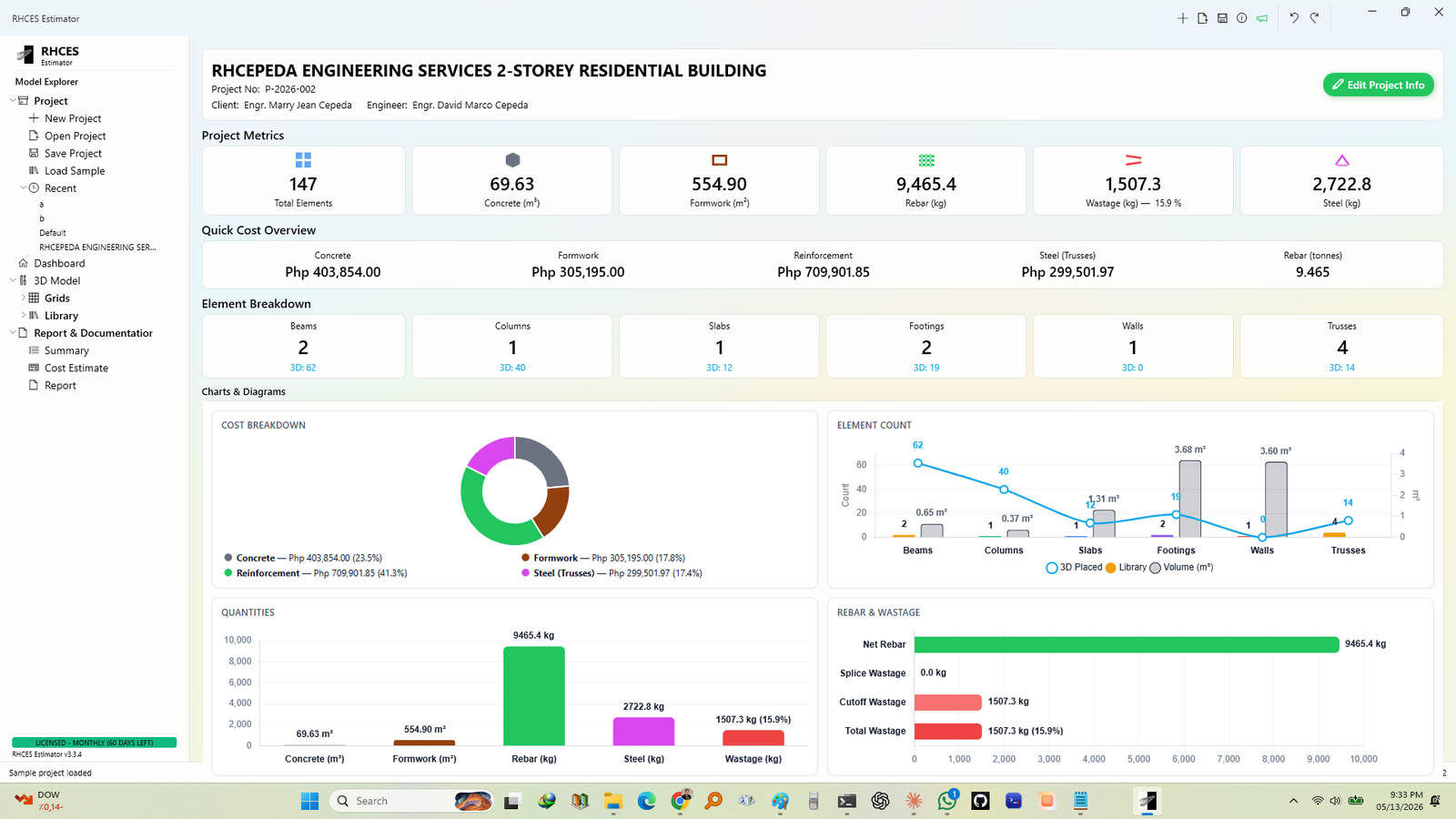
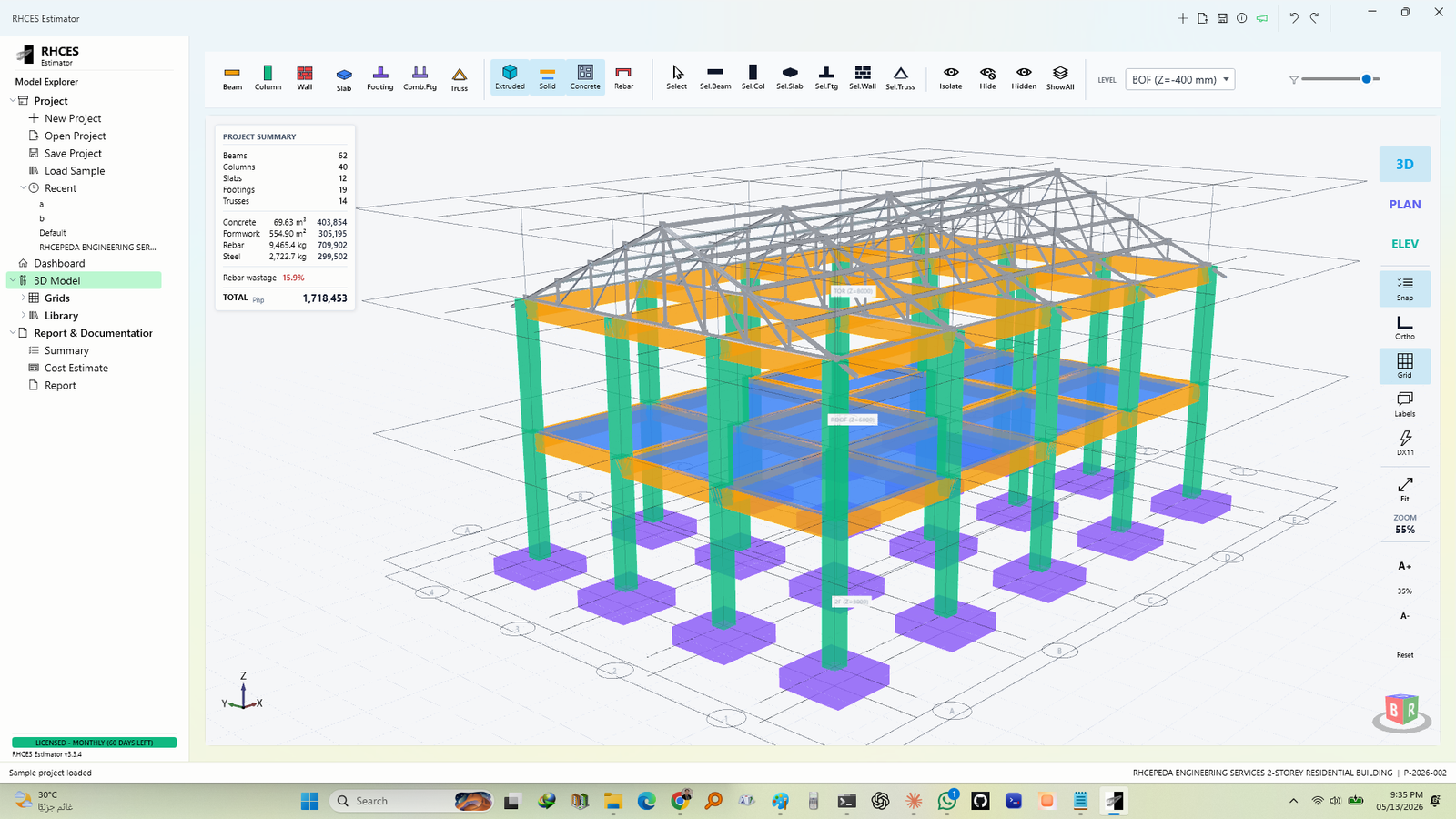
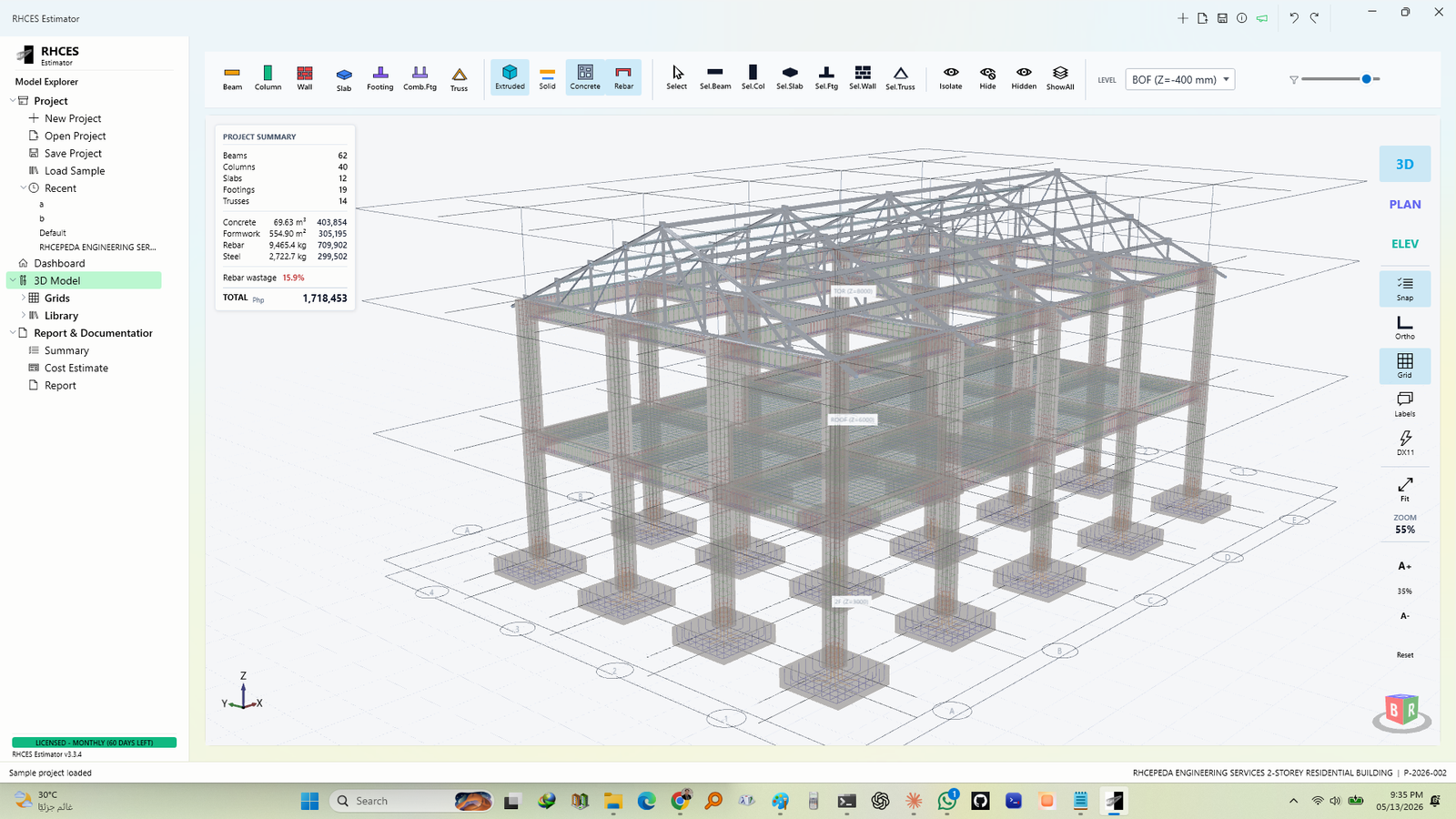
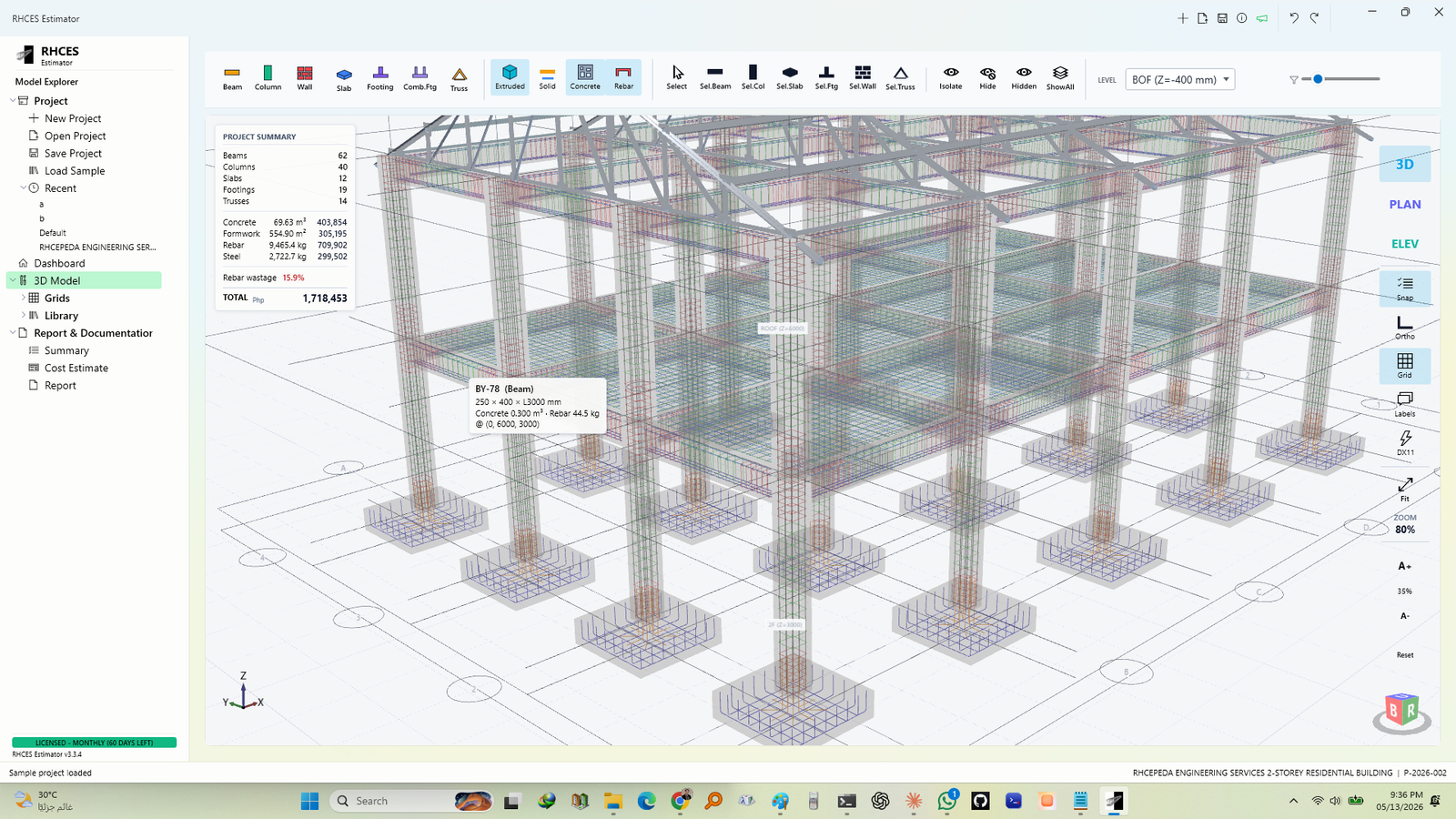
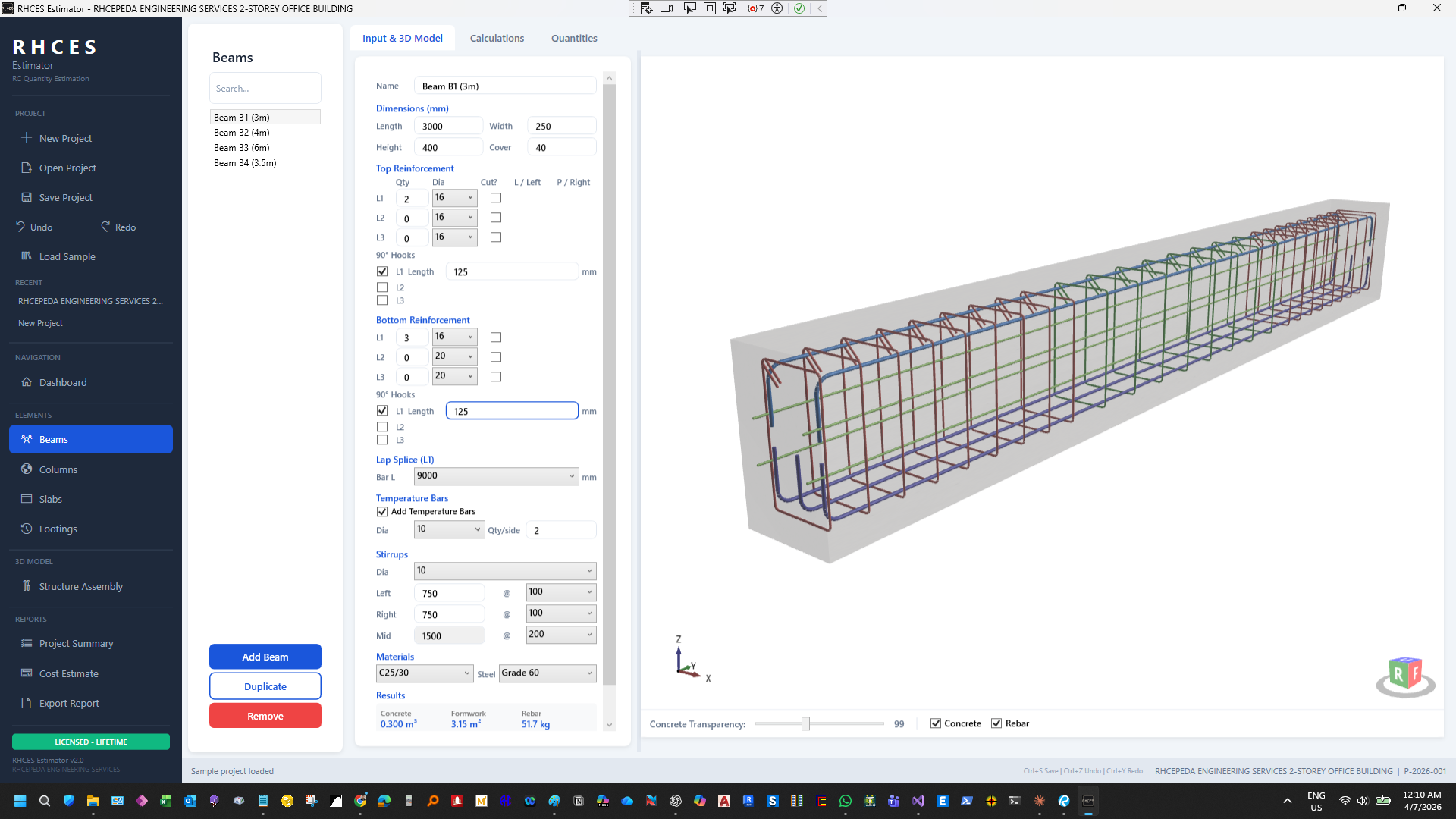
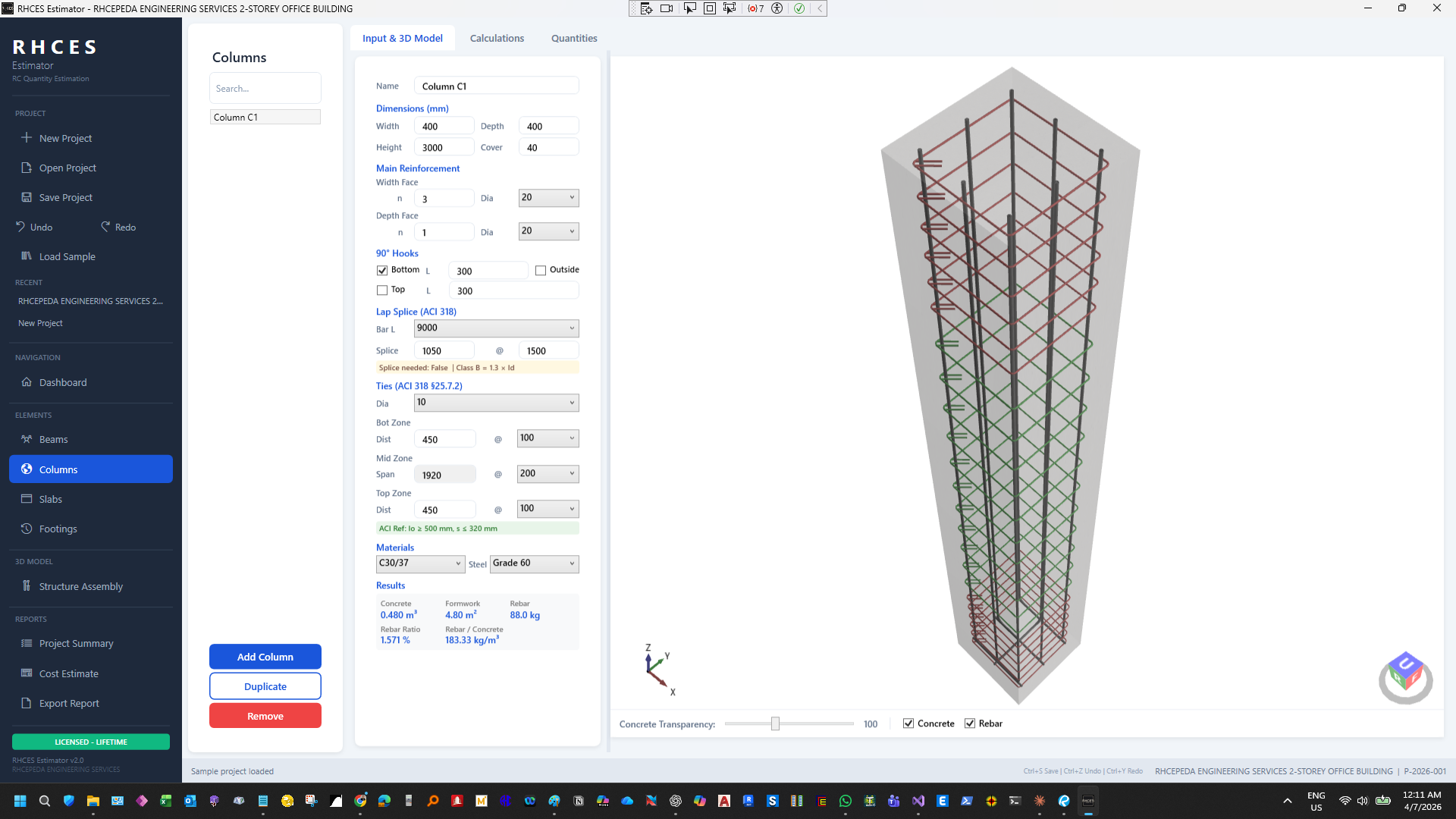
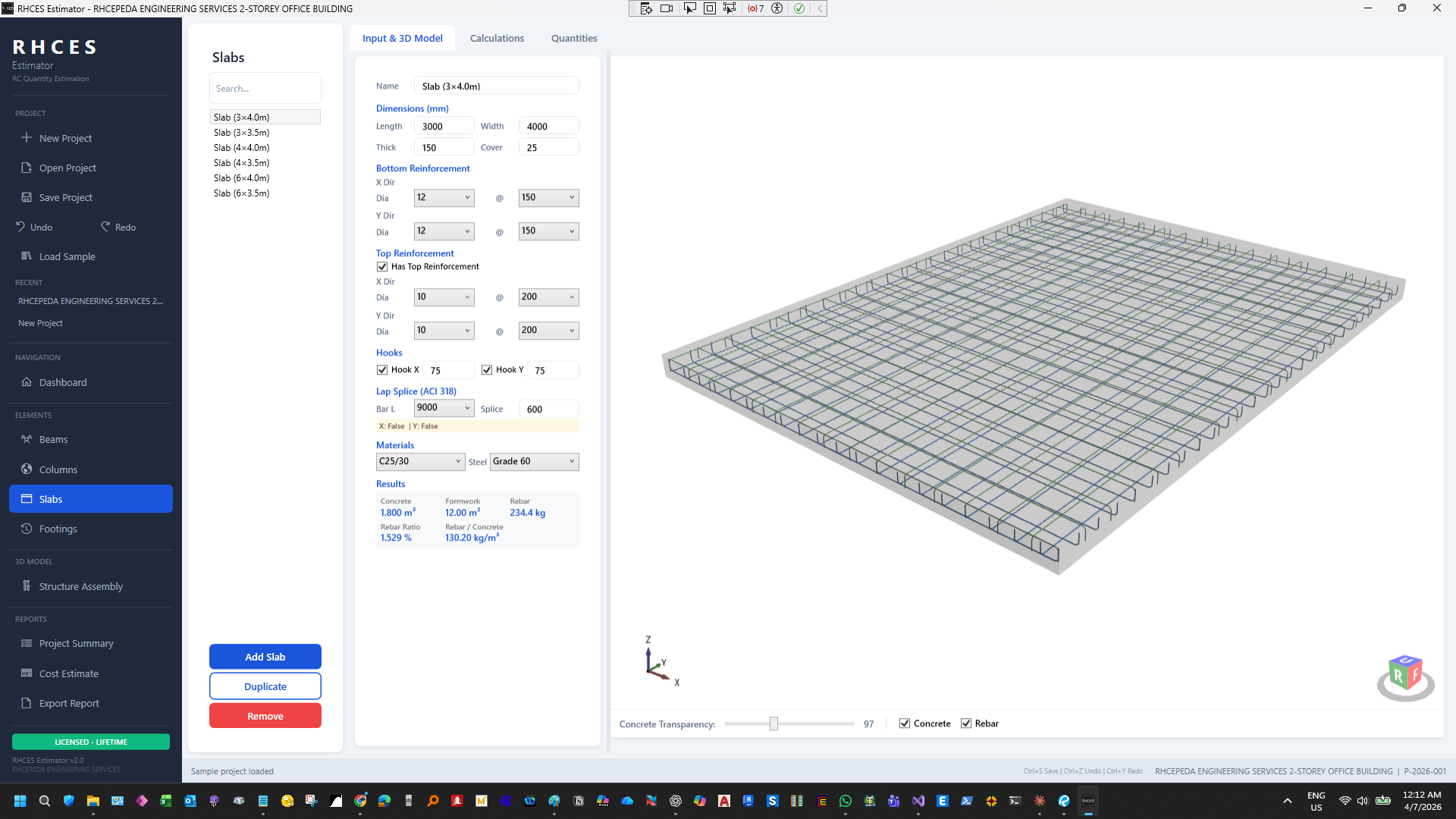
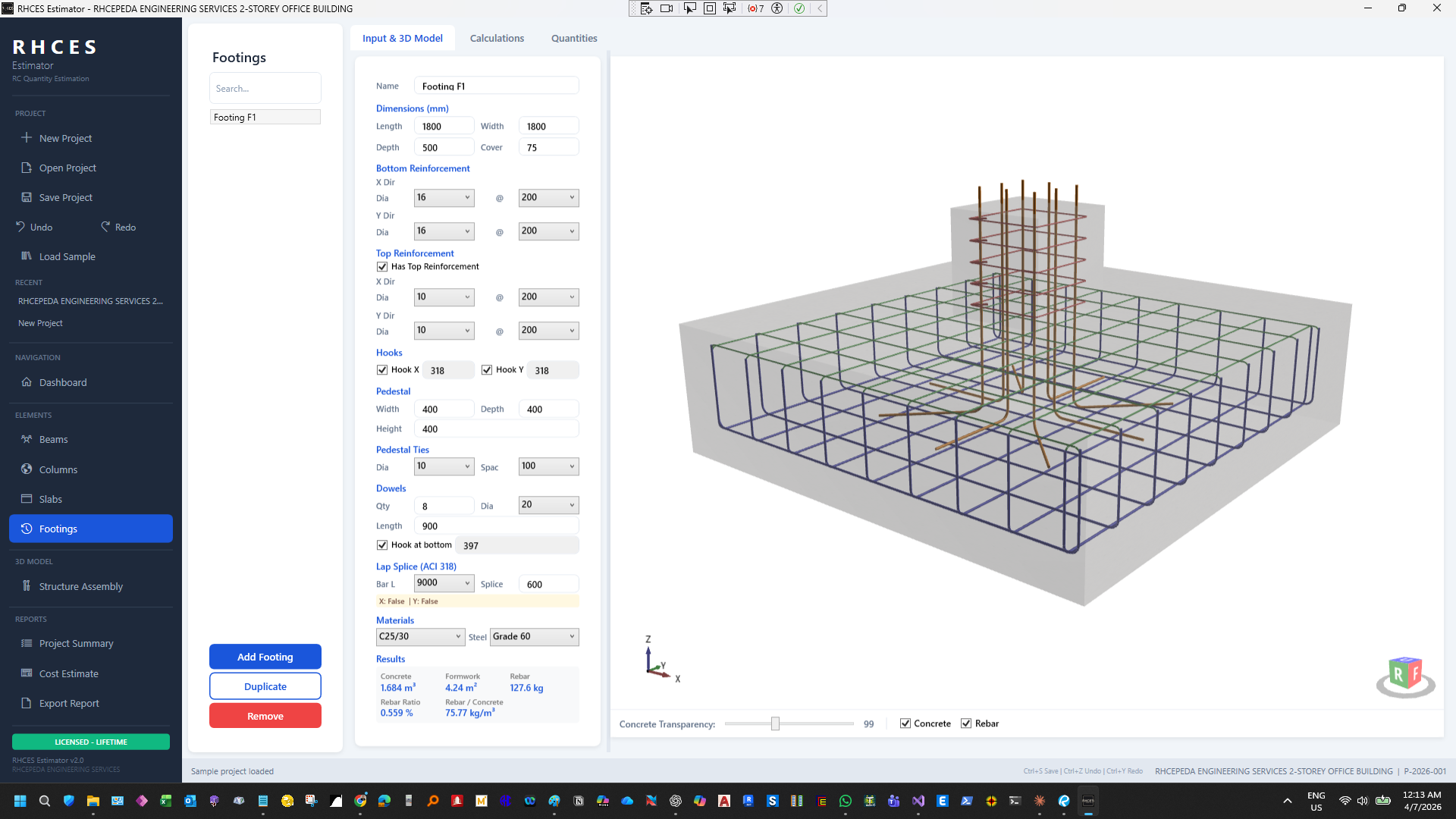
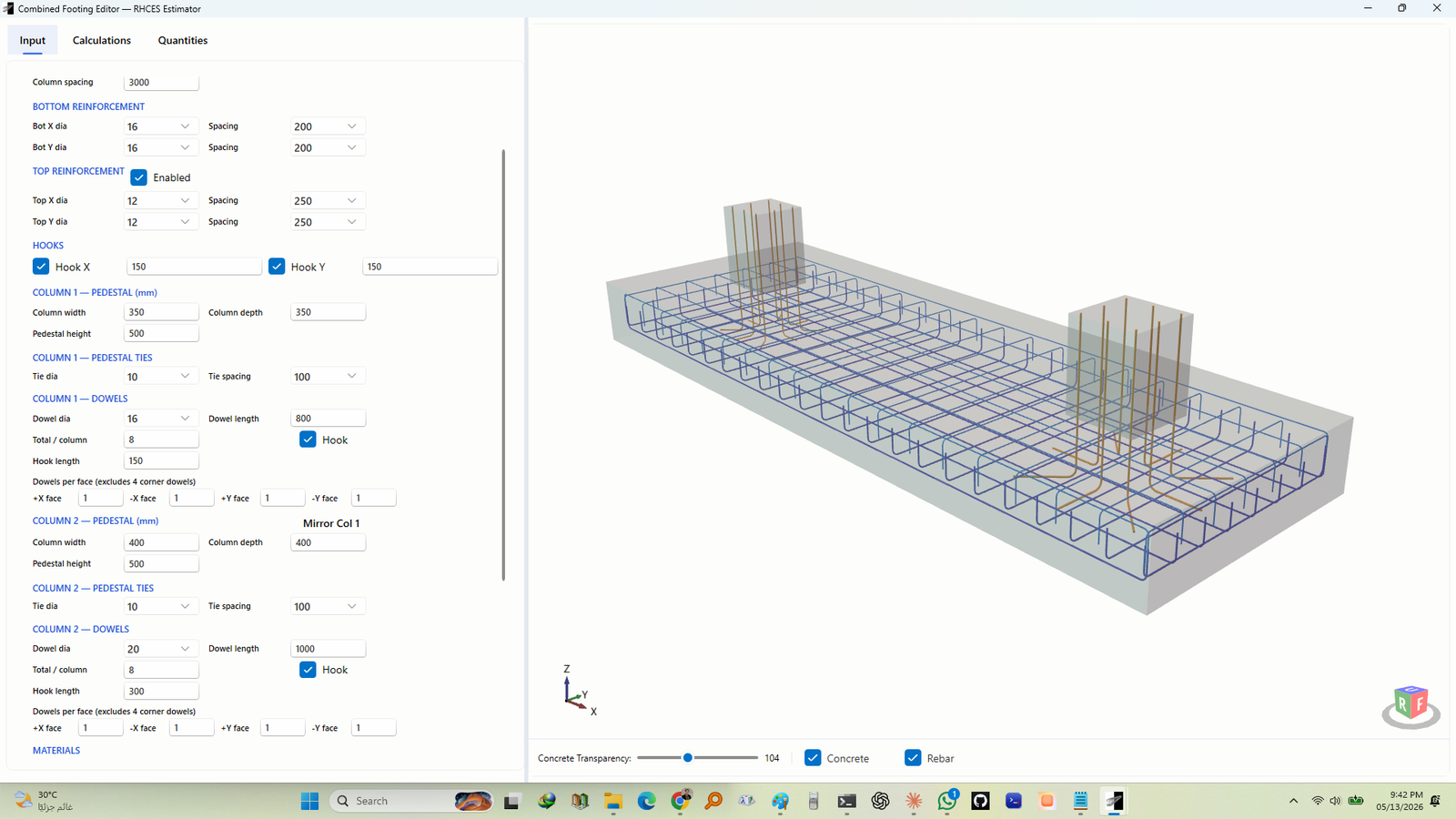
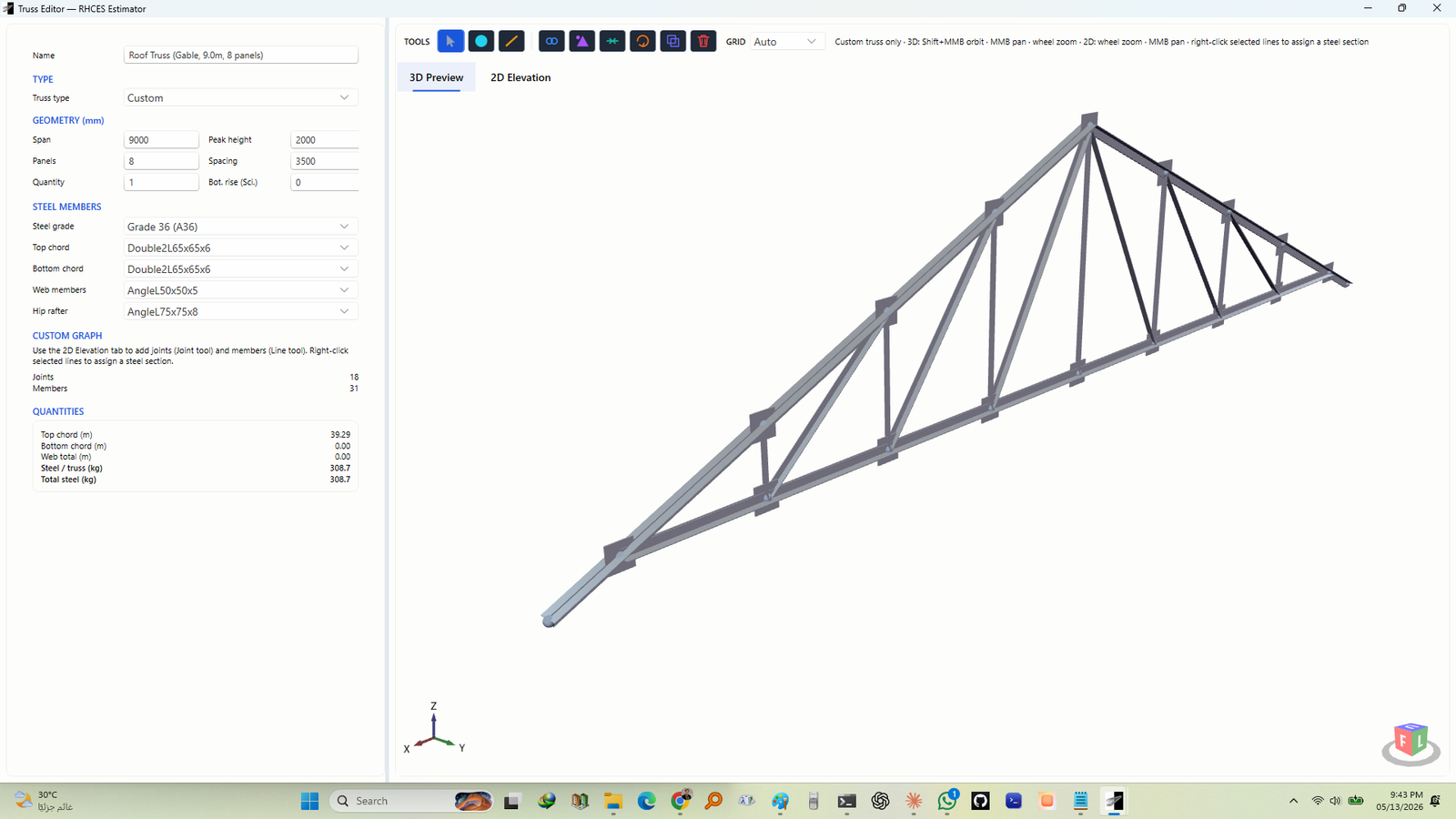
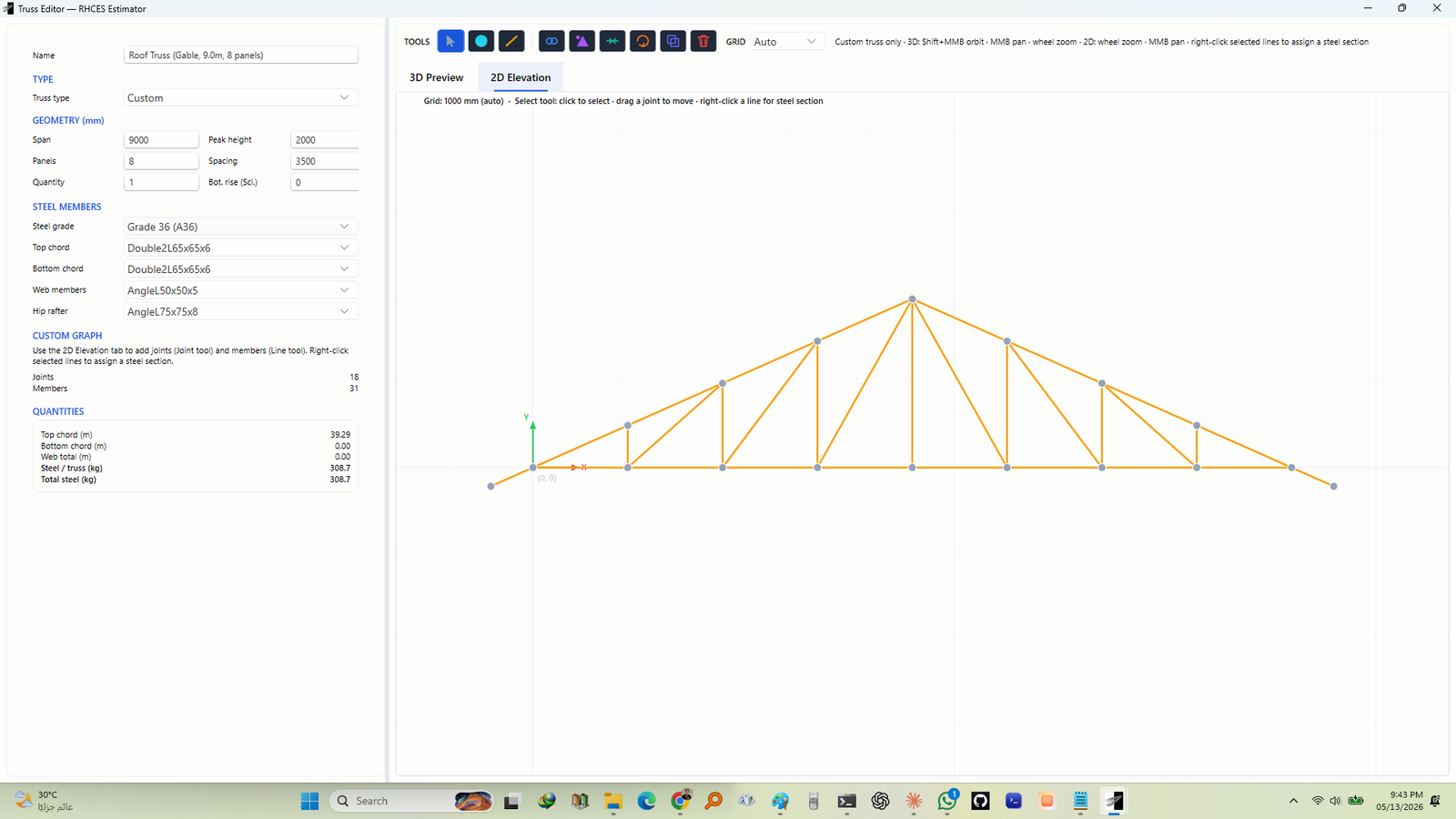
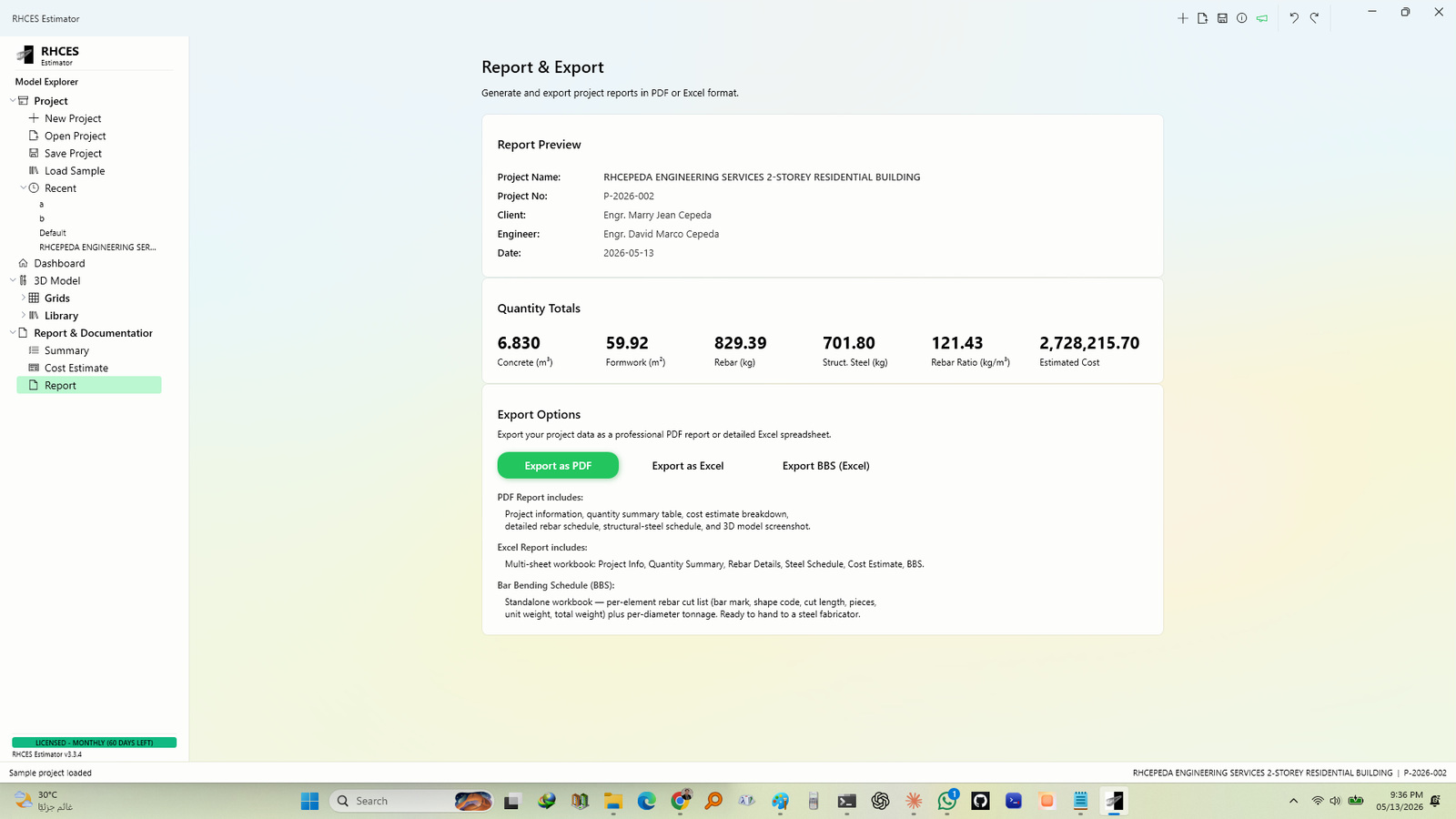
A refreshed look, and an enhanced 3D model view
The 3D model view has been updated and enhanced — more realistic
concrete and rebar, optional shadows, section cuts, X-ray and steel-only views, and quick
preset views. Selecting, drawing and navigating work just as before.
A refreshed interface across the app — a cleaner, more consistent look,
a reorganized ribbon that gives the 3D view more room, and an updated License dialog and
installer.
Improved beam quantities — stirrup hooks now follow the code minimum and
long main bars are spliced correctly, so beam steel quantities may change slightly. Editing
single bars directly in the 3D view has been removed; bar settings stay editable in each
element’s editor, and existing edits are kept.
Also in this release — the improvements from v3.29 to v3.33: an enhanced
ETABS import, more stair reinforcement options, improved 3D/AR sharing, new steel sections,
automatic column lap splices, refreshed dialogs, a new roof sample and more realistic rebar
display. Project files now use the .rce extension; older files still open.
Also shipped — v3.28.5 · August 25, 2026
Beam rebar, verified down to the bar — and corrected
Beam stirrup and main-bar cut lengths are now checked line by line against a fully
hand-derived bar bending schedule, and the audit found real defects: stirrup cut
lengths were measured to the link’s outside face instead of bar centre-line with a
proper 6db 135° hook, a beam with confined end zones was double-counting the
two boundary stirrups its mid-span zone shares with them, and continuous top/bottom bars
carried an extra cover deduction while cut, hooked support bars picked up allowances that
belong only to continuous bars. All of it is fixed — on the reference beam, computed
steel moved from 113.5 kg to 105.9 kg against the hand-computed 105.81 kg. Beams with these
configurations will report lower, more accurate steel than before; concrete,
formwork and every other element are untouched.
The bundled Sample Beam Take-off is now interactive — pick any main-bar
or stirrup diameter and the whole reference sheet recomputes live: every table, sketch label
and the full derivation walkthrough, so you can cross-check it against the same diameters set
on a real beam in your 3D model. The Beam Editor’s ACI hook-length warning also now
wraps inside its panel instead of running off the edge.
Also shipped — v3.28.4 · August 25, 2026
The Beam Editor, rebuilt as five guided steps
The Beam Editor input form has been completely redesigned — its fields
are now organized into five numbered step tabs — 01 Geometry, 02 Materials,
03 Bars, 04 Stirrups, 05 Splices — so you work through a beam in order instead
of scanning one long panel. Every field, formula and quantity behaves exactly as before;
only the layout changed.
Also shipped — v3.28.3 · August 22, 2026
A 10.5 m commercial bar length for lap splices and cut-list optimization
10.5 m is now a selectable commercial bar length — it appears in the
Lap Splice bar-length dropdown for every element and is available to the Rebar Cutting List
optimizer as a stock length, so yards that carry 10.5 m bars can plan cuts against it. The
default stays 9 m and existing projects are unchanged.
Also shipped — v3.28.2 · August 22, 2026
The 3D/AR view now shows the real reinforcement, and shared models update live
Scan-to-view 3D/AR now renders the full rebar arrangement — every bar
colored by role to match the app (top, bottom, stirrups, ties, extra bars in gold), with
90° hook bends, lap splices, CHB masonry panels and their reinforcement, and
combined-footing bars. “Update shared model” re-pushes an edited
model to the same link, so an already-open phone viewer refreshes to the new geometry on its own.
Wall reinforcement gained end extensions and per-end hooks for anchoring bars
into boundary columns, and beams gained Extra Bars — extra support bars
with their own size, quantity, face, offset and hooks. The stair drawing tool is now in
the Draw toolbar, an ACI 90° hook-length warning flags hooks
shorter than code needs, and Report exports now require a full license.
Also shipped — v3.28.1 · August 14, 2026
The license badge stays honest, plus faster story and column editing
The license status badge now refreshes the moment the license check
completes — a licensed machine no longer gets stuck showing a frozen
“TRIAL — 0 DAYS LEFT” chip. License expiry dates also now
parse culture-safely, so they resolve the same way no matter the OS’s
calendar setting.
Z-Axis story labels in Model Explorer now show story height (the spacing
from the level below), matching how the X/Y gridlines already show spacing, and editing a
story’s height cascades to every level above it with the tree and viewport refreshing
instantly and full undo support. “Divide at Intersections” now supports
columns, splitting a column at the story levels where the selected framing meets
it. Library → Steel now itemizes each truss per steel section —
roles, member counts, total length and weight — instead of one grouped node.
Also shipped the same day — v3.28.0 · August 14, 2026
Print-ready drawing sets, a full snap system, and smarter placement
A new Export Drawing Set (HTML) button in Report → Export Options turns
your model into a complete, print-ready sheet set — foundation plan, a framing plan per
level, an elevation and typical section with real truss geometry, member schedules, a bar
bending schedule with shape diagrams, and a quantity summary — generated straight from
the same numbers the app already shows you.
Object snapping is now a complete system: Line Intersection and
Fine Grid (your own sub-grid spacing) join the set, slab edges now
snap continuously along their length instead of only at corners, and all
eight snap types are individually toggleable and remembered between sessions.
Newly drawn beams, columns and footings now anchor at their centroid —
click, and the element centers exactly where you clicked.
Also in v3.28.0: editing a gridline’s spacing now
cascades to every downstream gridline with an instant refresh and full undo
support, the 2D Select tool now shows when it’s active, and Select By Section / Select By
Story now respect hidden and isolated elements — and rebar in the 3D viewport now shows
only when its display toggle is on.
Get v3.34.0 →