RHCES Tools: All-in-One Engineering Productivity Suite
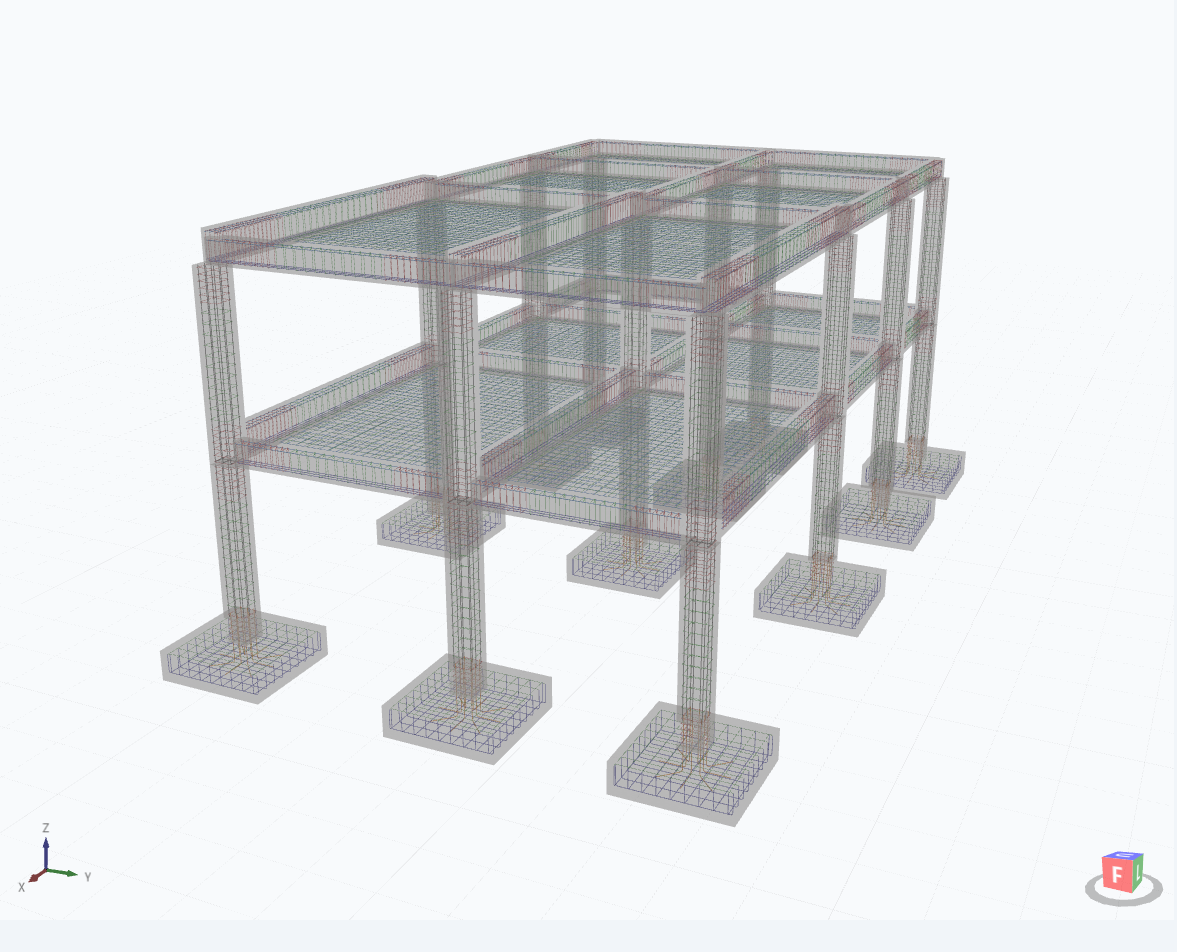
What is RHCES Tools?
RHCES Tools is a comprehensive engineering productivity suite built by a practicing structural engineer, for practicing structural engineers. It combines everything you need — structural design modules, analysis software plugins, rebar scheduling, and online utilities — into a single desktop application.
Used by hundreds of engineers across the Philippines, Saudi Arabia, and the UAE, RHCES Tools was born from the daily frustrations of real engineering practice: scattered spreadsheets, repetitive manual calculations, and disconnected workflows between design and analysis software.
The Story Behind RHCES Tools
When Engr. Ruel H. Cepeda started his career as a structural engineer, he quickly realized that a significant portion of his time was spent on repetitive tasks that could be automated. He began building personal tools — first as Excel spreadsheets, then as standalone applications, and finally as an integrated suite.
What started as a personal productivity tool evolved into a product used by engineers across multiple countries. Today, RHCES Tools represents years of refinement based on real project experience and feedback from practicing engineers.
Structural Design Modules
RC Beam Design
Complete reinforced concrete beam design per ACI 318 / NSCP standards. Covers flexural design (singly and doubly reinforced), shear design with stirrup spacing, and generates detailed design output with all intermediate calculations shown.
Column Design
RC column section capacity checker with axial-bending interaction analysis. Supports rectangular and circular sections, multiple bar arrangements, and generates P-M interaction diagrams. Includes slenderness check and magnified moment calculations.
Slab Design
One-way and two-way slab design modules with automatic minimum thickness checks, moment coefficient calculations, and reinforcement determination. Supports edge beams and different support conditions.
Footing Design
Isolated footing design with automatic sizing based on allowable soil bearing capacity. Includes one-way shear, two-way (punching) shear, and flexural reinforcement design. Displays soil pressure distribution.
Seismic Design Tools
Seismic parameter calculator for Philippine (NSCP) and international codes. Base shear computation, vertical distribution of seismic forces, and story drift verification.
Specialty Tools
HCS (Hollow Core Slab) elongation calculator and corbel/bracket designer for precast concrete applications.
Analysis Software Plugins
ETABS Plugins
- Load Sync — Synchronize load data between ETABS models and RHCES Tools calculations
- Load Combination Envelope — Generate governing load combinations and extract maximum forces across all combinations
- Wall Pier Section Extractor — Extract wall pier geometry and forces for design verification
- Column Section Extractor — Extract column forces from ETABS for batch design checks
STAAD Pro Plugins
- Rebar Scheduler — Automated rebar scheduling from STAAD Pro design results with bar bending schedule output
- Node Label Extractor — Extract and organize node labels from large STAAD Pro models for documentation
Online Tools
- RC Beam Designer — Web-based beam design tool accessible from any browser
- PDF Splitter — Split large engineering drawing PDFs into individual sheets
- Board Exam Tester — Practice tool for Philippine civil engineering licensure exam preparation
Why Engineers Choose RHCES Tools
- All-in-one solution — No more switching between 10 different spreadsheets and tools
- Built by an engineer — Designed around real workflows, not theoretical concepts
- Regular updates — New features and improvements based on user feedback
- ETABS & STAAD integration — Seamless connection to the analysis software you already use
- Affordable pricing — Fraction of the cost of commercial engineering software
Pricing & Licensing
7-day free trial — Full access to all modules and plugins. No credit card required.
Online licensing with automatic updates. Cancel anytime.
System Requirements
- OS: Windows 10 or Windows 11 (64-bit)
- RAM: 4 GB minimum
- Storage: ~150 MB for installation
- Internet: Required for license activation and online tools
- ETABS: v18+ (for ETABS plugins)
- STAAD Pro: v22+ (for STAAD plugins)
Frequently Asked Questions
Yes. RHCES Tools is regularly updated to maintain compatibility with the latest versions of both ETABS and STAAD Pro.
Absolutely. The structural design modules and online tools work independently. The plugins are optional add-ons for users of those analysis packages.
RHCES Tools primarily supports NSCP (National Structural Code of the Philippines) and ACI 318 (American Concrete Institute). Many calculations are applicable to other codes with minor parameter adjustments.
Currently each license is individual. For team pricing inquiries, please contact us at info@rhces.com.
Support is available via email, Facebook (fb.com/rhces), and WhatsApp. We typically respond within 24 hours.
RHCES Tools is a design suite (beam/column/slab/footing design, ETABS/STAAD plugins). RHCES Estimator is a quantity takeoff tool (concrete/formwork/rebar quantities with 3D visualization). They complement each other but serve different purposes.
Comments
Loading comments...
Leave a Comment