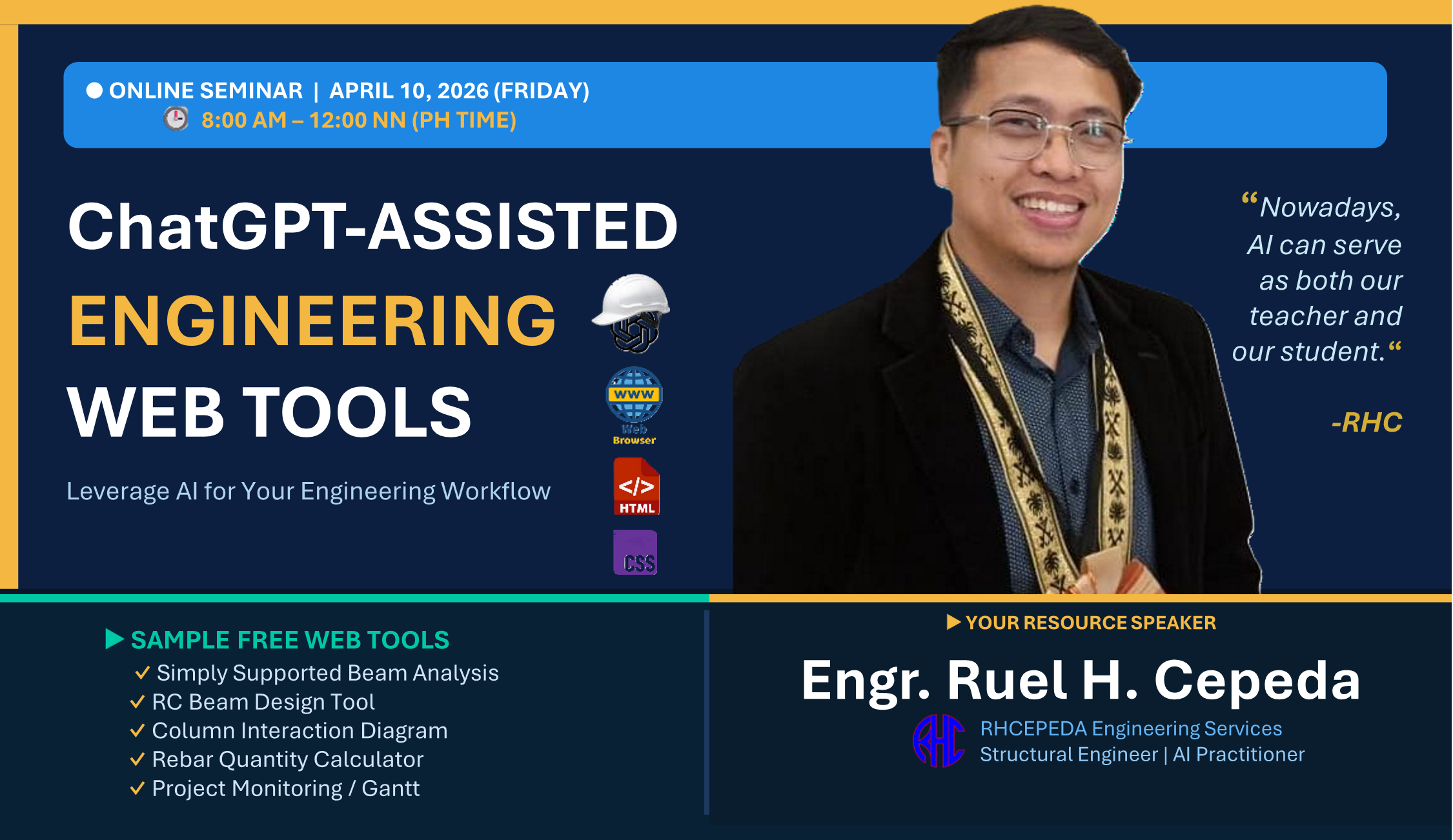
ChatGPT-Assisted Engineering Web Tools
About This Seminar
In the modern engineering landscape, AI is no longer optional — it is a competitive advantage. Whether you are a fresh graduate or a senior engineer with decades of experience, the ability to leverage AI tools like ChatGPT can dramatically accelerate your workflow, reduce errors, and open entirely new possibilities for how you deliver engineering solutions.
This 4-hour online seminar is designed specifically for civil and structural engineers who want to learn how to build, customize, and deploy professional engineering web tools using ChatGPT — even with minimal or zero coding experience. You will not just watch demonstrations; you will follow along, build real tools, and walk away with ready-to-use engineering calculators and web applications.
"Nowadays, AI can serve as both our teacher and our student." — Engr. Ruel H. Cepeda
Why This Seminar Matters
Traditional engineering workflows rely heavily on commercial software, manual spreadsheets, and time-consuming repetitive calculations. This seminar empowers you to break free from those limitations — starting from the fundamentals.
You will begin by understanding what web tools actually are — learning the basics of HTML & CSS, and building a simple engineering calculator using nothing but Notepad. Once you understand the foundation, you will unlock the real power: using ChatGPT to generate complete engineering web tools in minutes instead of days.
By the end of this 4-hour session, you will have:
- Built a custom beam analysis tool with shear & moment diagrams using ChatGPT
- Created a column interaction diagram generator that runs in any web browser
- Automated your rebar quantity calculations into a shareable online tool
- Deployed a project monitoring dashboard that your team can access from their phones
- Understood the fundamentals of HTML, CSS, and JavaScript so you can customize any tool
Seminar Outline
Welcome and orientation. Overview of the seminar objectives, expected outcomes, and what participants will be able to do by the end of the session. Brief introduction of the resource speaker and RHCEPEDA Engineering Services.
Understanding the building blocks of every web tool. What is HTML and how it structures content. What is CSS and how it controls visual appearance. How HTML & CSS work together to create interactive web pages that engineers can use as calculation tools.
Why web-based engineering tools are gaining popularity. Key advantages: cross-platform, no installation, shareable via link, works on mobile. Limitations to be aware of: offline access, performance for heavy computations, data privacy. When to use web tools vs. desktop apps vs. spreadsheets.
Hands-on walkthrough: opening Notepad and writing your first HTML file. Understanding the basic structure of a web page (html, head, body tags). How the browser reads and renders your code. Viewing your first web page in Chrome or any browser.
Building a simple engineering calculator from scratch in Notepad. Adding input fields, buttons, and output displays. Writing basic JavaScript for calculations. Styling with CSS to make it look professional. Participants follow along and create their own working tool.
What is ChatGPT and how does it work? Setting up your ChatGPT account. The art of prompt engineering: how to describe your engineering tool so AI generates accurate, working code. General prompt templates for engineering applications. Tips for iterating and refining AI-generated output.
Live demo: prompting ChatGPT to generate a complete simply supported beam analysis tool. Shear force and bending moment diagram generation. Interactive loading inputs (point loads, distributed loads). Reviewing, testing, and refining the generated code.
Building a reinforced concrete beam design calculator using ChatGPT. Flexural design per NSCP/ACI 318 with steel ratio checks. Input fields for beam dimensions, material properties, and loading. Automatic calculation of required reinforcement and capacity verification.
Creating a P-M interaction diagram generator for rectangular RC columns. Defining column geometry, reinforcement layout, and material strengths. Plotting the interaction curve and checking design points. Understanding how ChatGPT handles complex engineering formulas and chart generation.
Generating a rebar quantity estimation tool with ChatGPT. Input bar sizes (Philippine standard), quantities, and lengths. Automatic weight computation and cost summation. Professional table output ready for project documentation.
Building a visual project scheduling and monitoring dashboard. Gantt chart generation with task dependencies and progress tracking. Interactive timeline with milestones and deadlines. Demonstrating how ChatGPT can create complex UI components for project management.
Open floor for questions, clarifications, and discussion. Participants can ask about specific engineering tools they want to build. Troubleshooting any issues encountered during the hands-on exercises. Tips for continuing your AI-assisted development journey after the seminar.
How to access the RHCES Portal for session recordings, materials, and future updates. Registration walkthrough for the portal website. Announcements on upcoming seminars and RHCES product updates. Special offers and bonuses for seminar participants.
Summary of key takeaways from the seminar. Next steps: how to continue building engineering web tools on your own. Encouragement to apply what you learned in your daily engineering practice. Thank you and closing.
Sample Free Web Tools You Will Receive
Every participant receives the complete source code and live links for these 5 ready-to-use engineering web tools built during the seminar:
- Simply Supported Beam Analysis — Shear force & bending moment diagrams with interactive point and distributed loading inputs
- RC Beam Design Tool — Flexural design per NSCP/ACI 318 with steel ratio checks, capacity verification, and detailed output
- Column Interaction Diagram — P-M interaction curves for rectangular RC columns with design point checking
- Rebar Quantity Calculator — Quick rebar weight and quantity estimation using Philippine standard bar sizes with cost summation
- Project Monitoring / Gantt — Visual project scheduling dashboard with task dependencies, milestones, and progress tracking
Your Resource Speaker
Engr. Ruel H. Cepeda
Structural Engineer | AI Practitioner | Founder, RHCEPEDA Engineering Services
Engr. Cepeda is a licensed civil engineer specializing in structural analysis and design, with extensive experience in both local and international projects. He is the creator of RHCES Tools and RHCES Estimator, digital products used by hundreds of practicing engineers across the Philippines, Saudi Arabia, and the UAE.
As an AI practitioner, he actively integrates ChatGPT and modern AI workflows into his engineering practice — from automated spreadsheet generation to building full-featured desktop and web applications. His seminars focus on practical, real-world applications that engineers can immediately use in their daily work.
Who Should Attend
- Civil and structural engineers (all experience levels)
- Engineering students preparing for modern practice
- Quantity surveyors and project engineers
- Engineering consultants and freelancers
- Anyone interested in AI-assisted engineering tools
What You Will Receive
Prerequisites
- A laptop or desktop computer with internet access
- A ChatGPT account (free tier is sufficient; ChatGPT Plus recommended)
- A text editor (VS Code recommended, but Notepad works too)
- Basic understanding of engineering calculations (no coding experience required)
Frequently Asked Questions
No. The seminar is designed for engineers with zero coding background. ChatGPT handles the code generation — you focus on the engineering logic.
You will receive lifetime access to the full session recording through the RHCES Portal, so you can watch and follow along at your own pace.
Yes! All participants receive an E-Certificate of Participation from RHCEPEDA Engineering Services.
Absolutely. All tools and source code are yours to keep, modify, and use in your practice.
Yes. The AI workflow and tool development concepts are universal. The design tools use international codes (ACI 318) and can be adapted to any local standard.
Registration Fee
50% OFF — Early Bird Price! First 20 registrants only.
College students receive an additional 25% discount.
How to Register
- Click the Register Now button below to open the registration form.
- Fill in your details (name, email, contact number).
- Pay via GCash or BDO Bank Transfer (details provided in the form).
- You will receive a confirmation email with the Zoom link and course materials before the event.
Comments
Loading comments...
Leave a Comment